Calm desktop apps for everyday files
Small, fast apps that do one thing beautifully.
For anyone who works with PDFs, notes, logs, photos or screenshots. Each Still app opens instantly, works offline and keeps your files on your computer. Free to use; upgrade one app inside the app, or every core app with the Still Pass.


Opens instantlyNo splash screen, no waiting.
Works offlineNothing to sign in to for your own files.
Your files stay with youOn your computer, never uploaded.
Light or darkEvery app follows your choice.
How it works
Pick the app for your files
PDFs, notes, Markdown, data files, logs, photos, clips or screenshots.
Install it and open a file
On your computer or phone. No account needed, and nothing is uploaded.
Lift the limit when you want
Every app is free up to a limit. Buy the one app, or get them all with the Still Pass.
The Still family
Each app does one thing well. Every card says whether the Still Pass includes it.
-
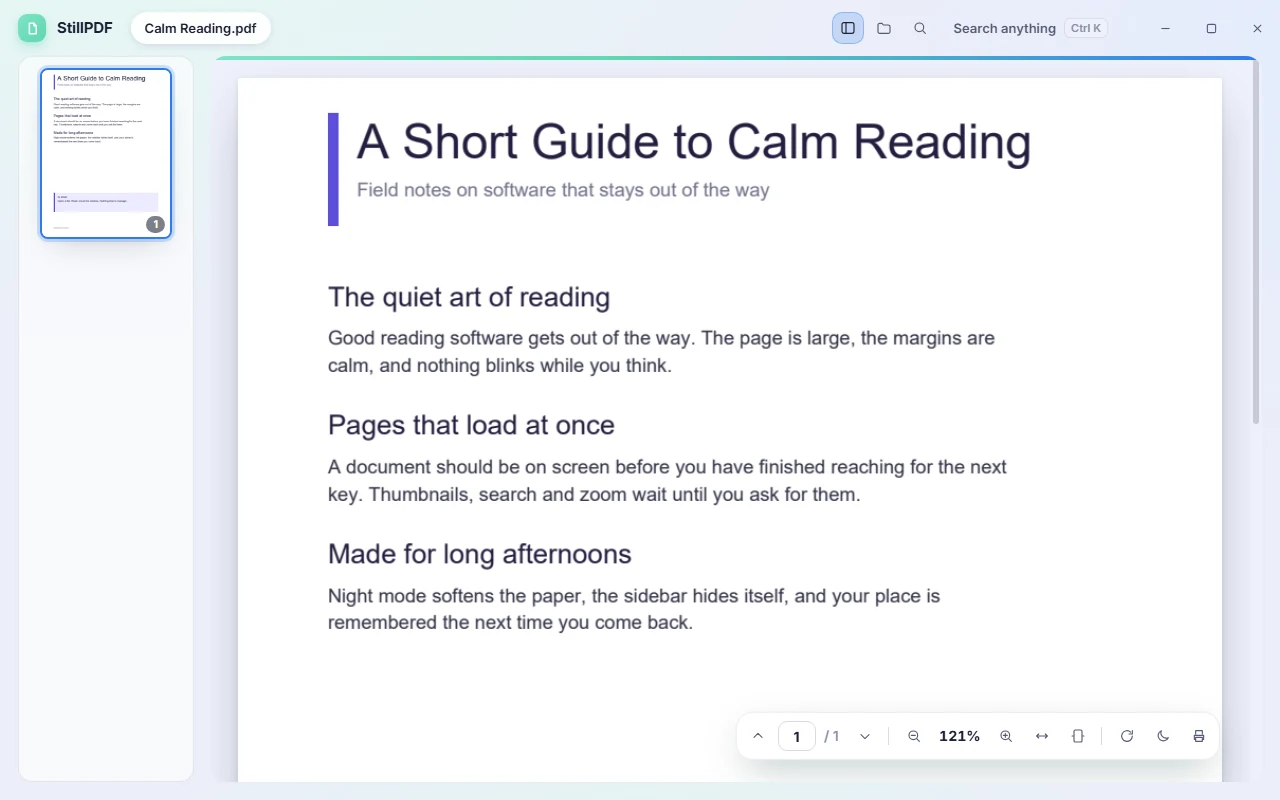
- Screenshot coming with the first release StillMD Write Markdown and see the page as you type. In Still Pass
-
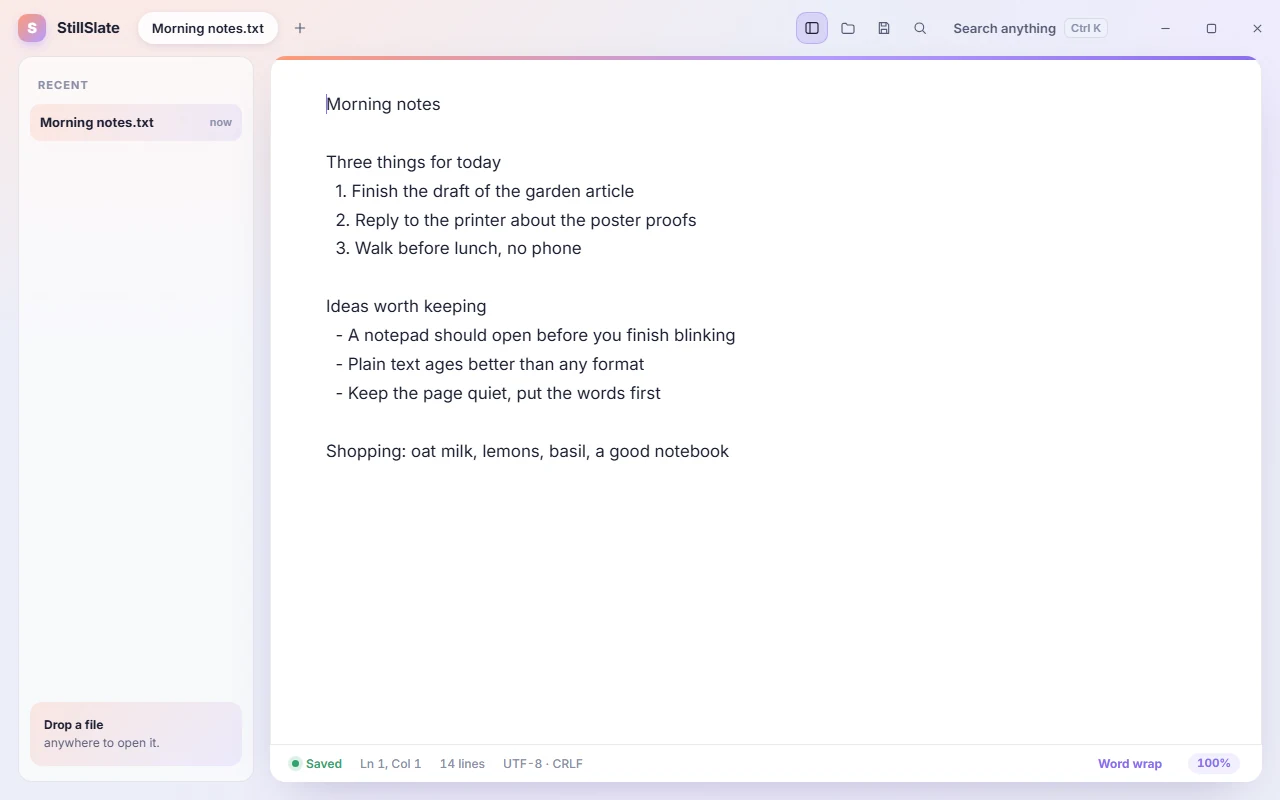
- Screenshot coming with the first release StillJSON Open huge JSON files in seconds. In Still Pass
- Screenshot coming with the first release StillLogs Find the line that matters in huge logs. In Still Pass
- Screenshot coming with the first release StillViewer See your photos the moment you open them. In Still Pass
- Screenshot coming with the first release StillSticky Sticky notes that keep things in sight. In Still Pass
- Screenshot coming with the first release StillKlip Paste anything you copied today. In Still Pass
- Screenshot coming with the first release StillScreen Screenshots, marked up in seconds. In Still Pass
- Screenshot coming with the first release StillTranscripts Turn recordings into text you can edit. Pay as you go · credits
Calm by design
Made with ADHD minds in mind.
Still apps are designed to be calm and distraction-free. No clutter. Tools stay hidden until you need them. One thing at a time.
That makes them easier for people with ADHD and for anyone who finds busy software overwhelming.
- One main action on each screen
- Quiet colours, no flashing badges
- Everything else one shortcut away
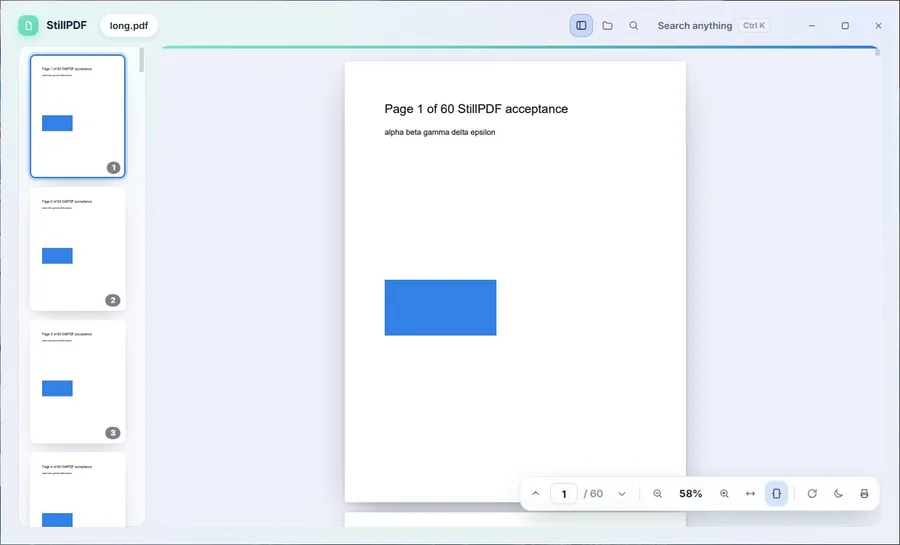
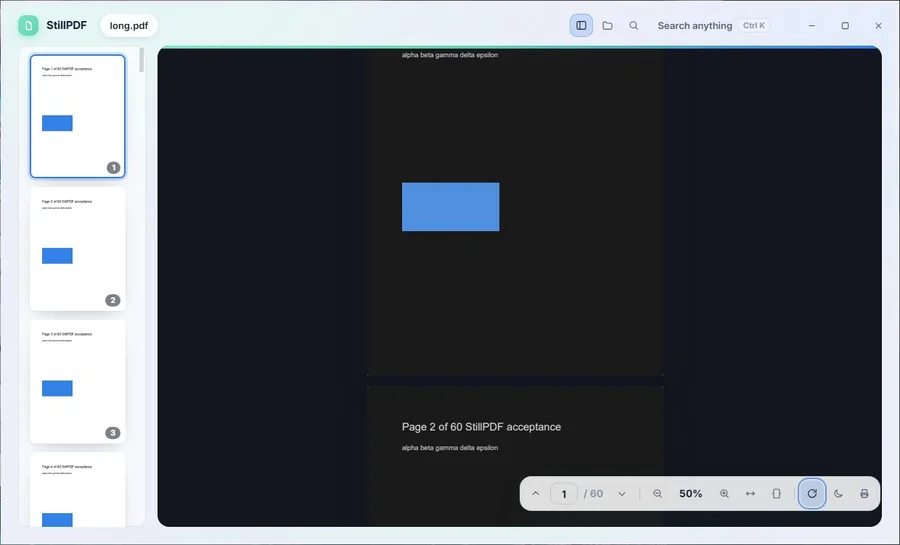
Still Pass
Free to use. Upgrade inside the app for more.
Download any Still app and use it for free, up to a small limit such as 3 open files. When you want more, upgrade inside the app: just that app, or every core app at once with the Still Pass.
Upgrades are yearly and start with a 3-day free trial.
StillTranscripts and add-on apps are priced separately.
Upgrade one app
- No limit in that app
- Every platform it is on
- Up to 5 of your devices
Still Pass
- All 9 core apps, and new ones as they land
- Updates and maintenance
- Pro features in every core app
Questions
How does it work?
Pick an app and download it. Open a file in it. When you want more than the free limit, upgrade inside the app.
What is in the Still Pass?
Every core Still app: StillPDF, StillMD, StillSlate, StillJSON, StillLogs, StillViewer, StillSticky, StillKlip and StillScreen, plus new core apps as we add them. It works on up to 5 of your computers.
Is StillTranscripts in the Still Pass?
No. StillTranscripts uses cloud transcription, so it is pay as you go with credits. Add-on apps are also priced separately. The Still Pass covers the core apps only.
Can I buy just one app?
Yes. Upgrade just that app, inside the app. Upgrades are yearly and start with a 3-day free trial, on up to 5 of your computers.